Frustrated Dad Builds His Own Perfect Clock From Scratch
After one too many power outages reset his bedside clock, a tech-savvy writer decided to build the self-setting, drift-proof clock of his dreams. Armed with a 3D printer, a Raspberry Pi, and zero soldering experience, he succeeded.
Lee Hutchinson had a simple problem that demanded an absurdly complicated solution. His bedside clock kept losing time during power outages, forcing him to manually reset it twice a year for Daylight Saving Time.
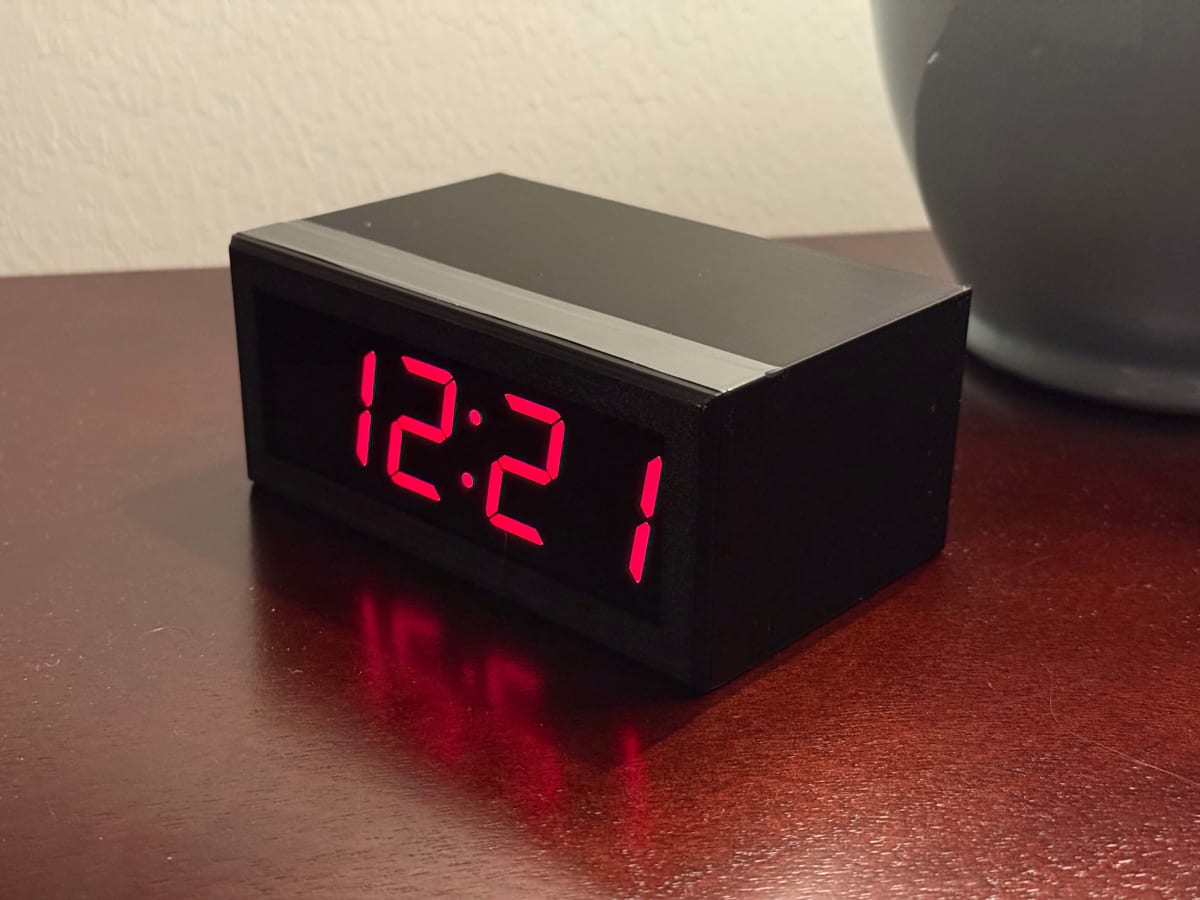
After the latest power flicker sent him fumbling with buttons at his nightstand, Hutchinson decided enough was enough. He wanted a clock that set itself automatically, showed the time on a red LED display, handled DST changes, and never drifted by even a second.
The catch? That clock didn't exist, at least not in the exact combination he wanted.
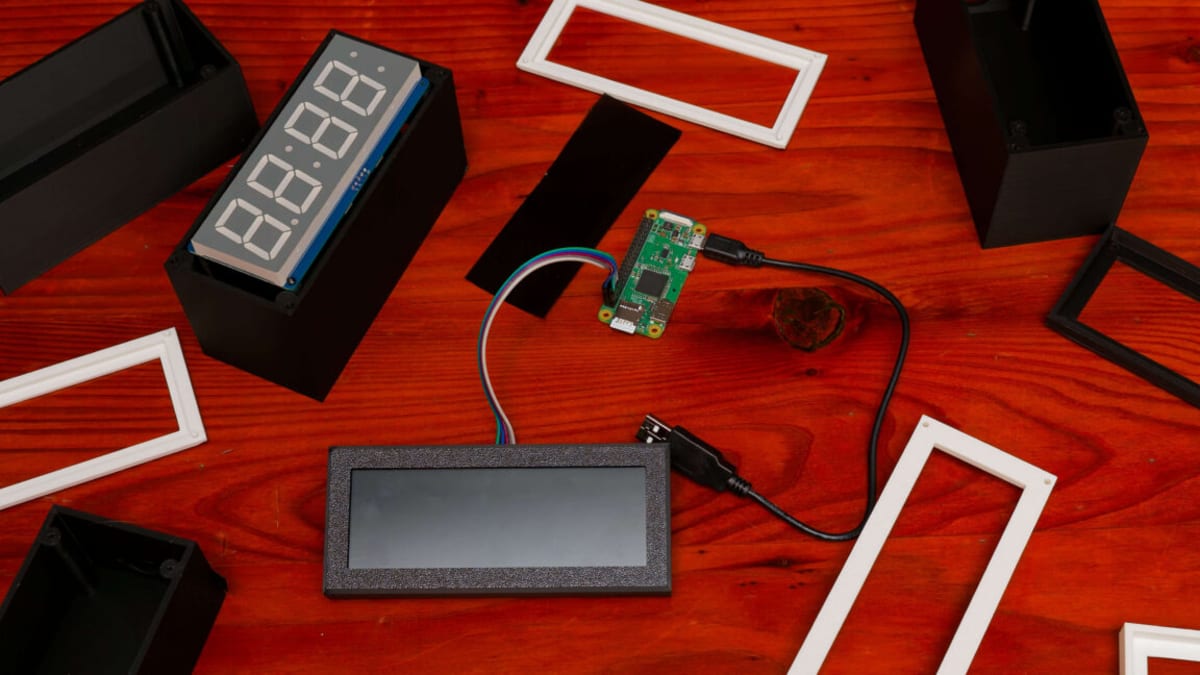
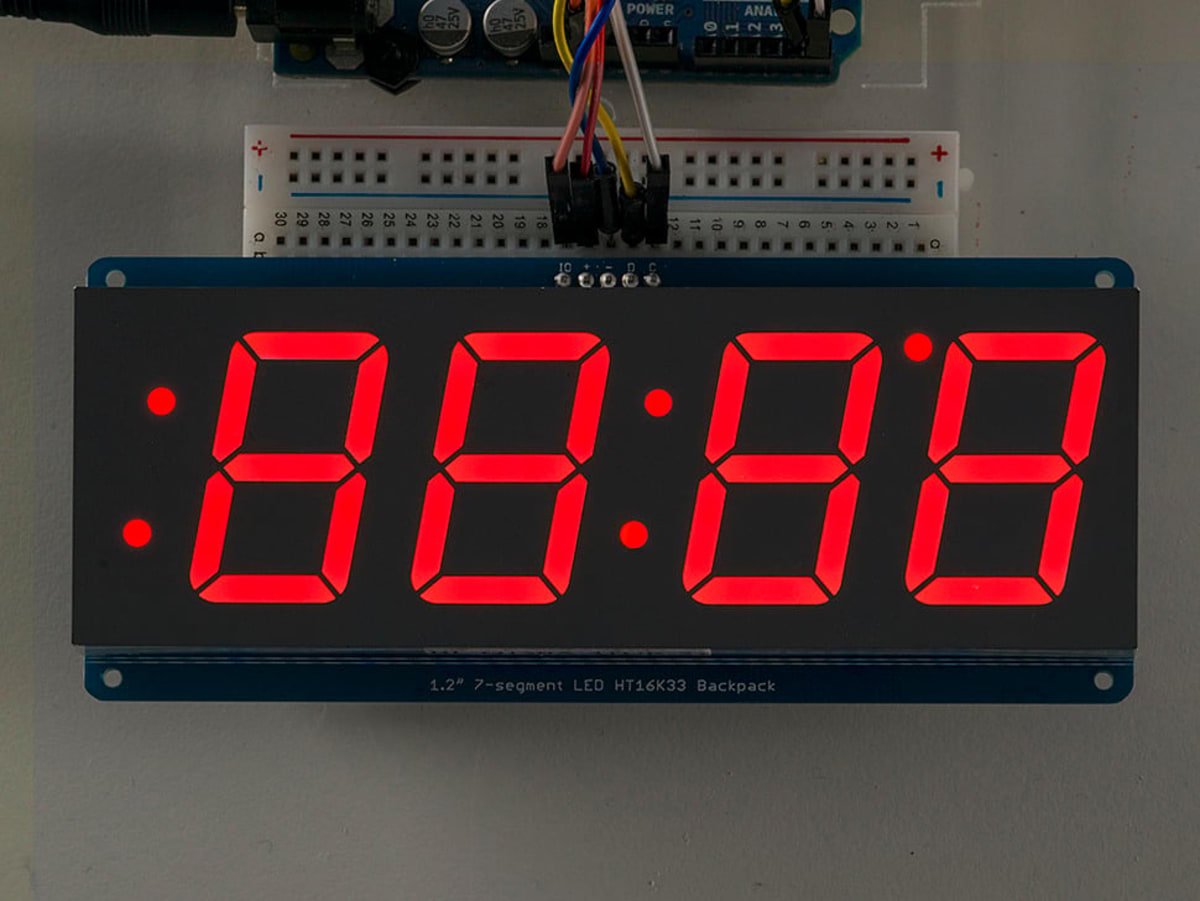
So Hutchinson built it himself. Armed with a Raspberry Pi Zero, an LED display kit from Adafruit, and his trusty 3D printer, he embarked on what he calls a "hilariously overengineered weekend project."
The journey required learning skills he'd never needed before. Hutchinson had never soldered anything in his life, so he bought a beginner's soldering kit and discovered his aging eyes needed a magnifying lens to see the tiny components. He taught himself how to connect the LED display to its controller board and program the Raspberry Pi to pull time updates from his home network.
Why This Inspires
What makes Hutchinson's project special isn't just the technical achievement. It's his willingness to share every detail with others who might want their own perfect clock.
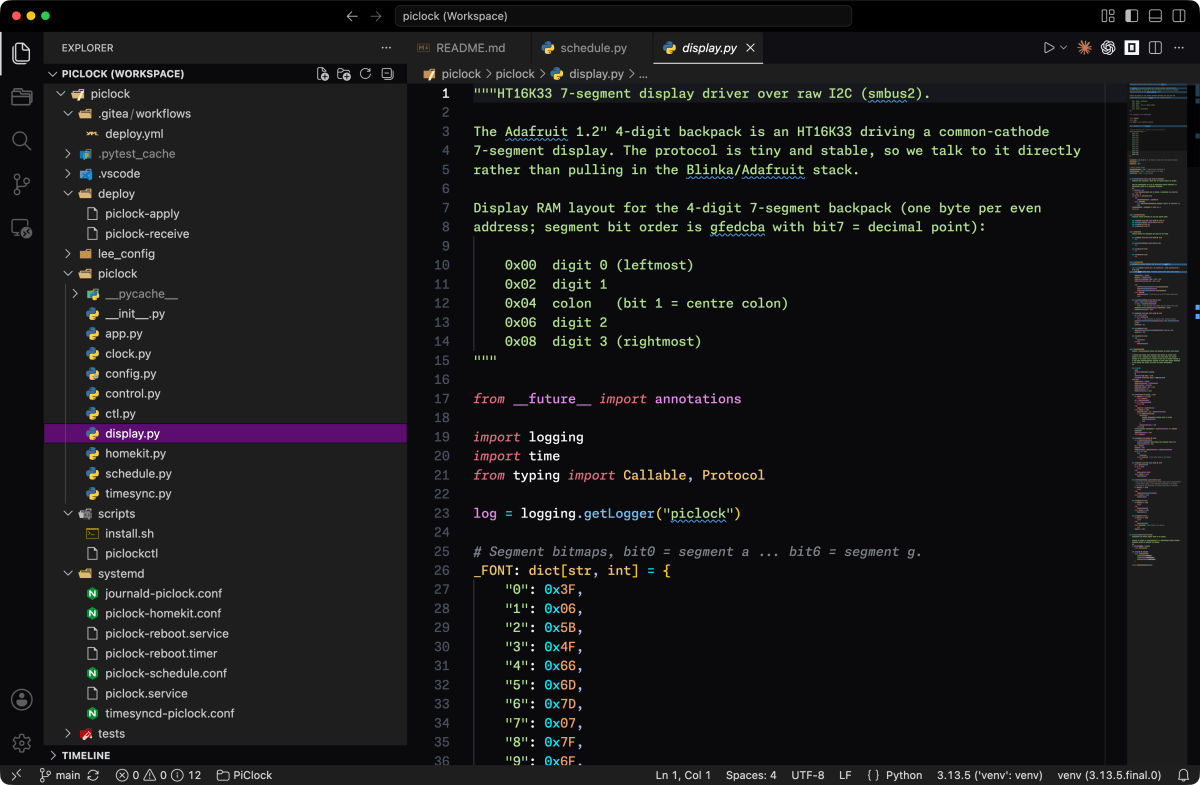
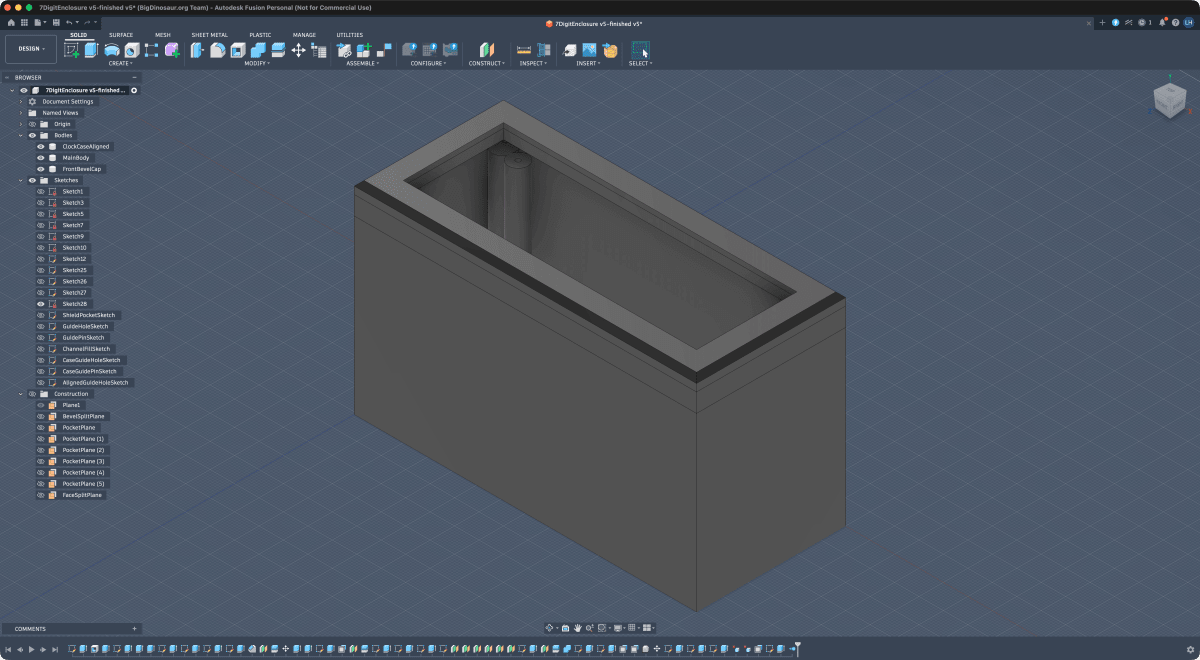
He published everything online for free: the complete parts list with prices and links, all the software code, the 3D printer files for the case, and a step-by-step installation guide. Anyone with basic tech skills can now build their own self-setting, drift-proof clock for about the cost of a nice dinner out.
The clock now sits on his bedside table, glowing red and accurate to the millisecond. It syncs automatically with network time servers, adjusts for DST changes, and can even dim itself on schedule. Hutchinson can control it through his iPhone thanks to HomeKit integration he built in.
Best of all, he'll never have to press those frustrating time-setting buttons again. And thanks to his generous documentation, neither will anyone else who follows his blueprint.
Sometimes the best solutions to everyday annoyances come from refusing to accept that "good enough" is actually good enough.
More Images
Based on reporting by Ars Technica
This story was written by BrightWire based on verified news reports.
Spread the positivity!
Share this good news with someone who needs it