Firefox Redesign Puts Privacy Controls Front and Center
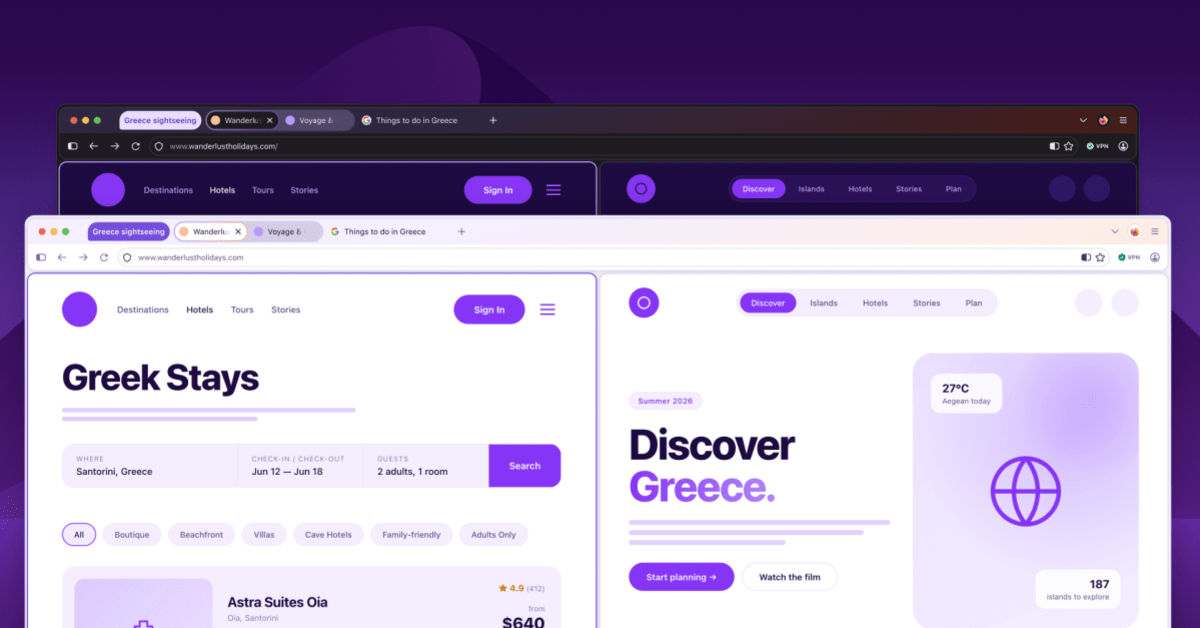
Mozilla's upcoming Firefox redesign makes it easier than ever to control your privacy and AI settings with just a few clicks. The fresh, rounded look arriving later this year also brings back features users have been requesting.
Your web browser is about to get a whole lot friendlier, and your privacy settings won't be hiding anymore.
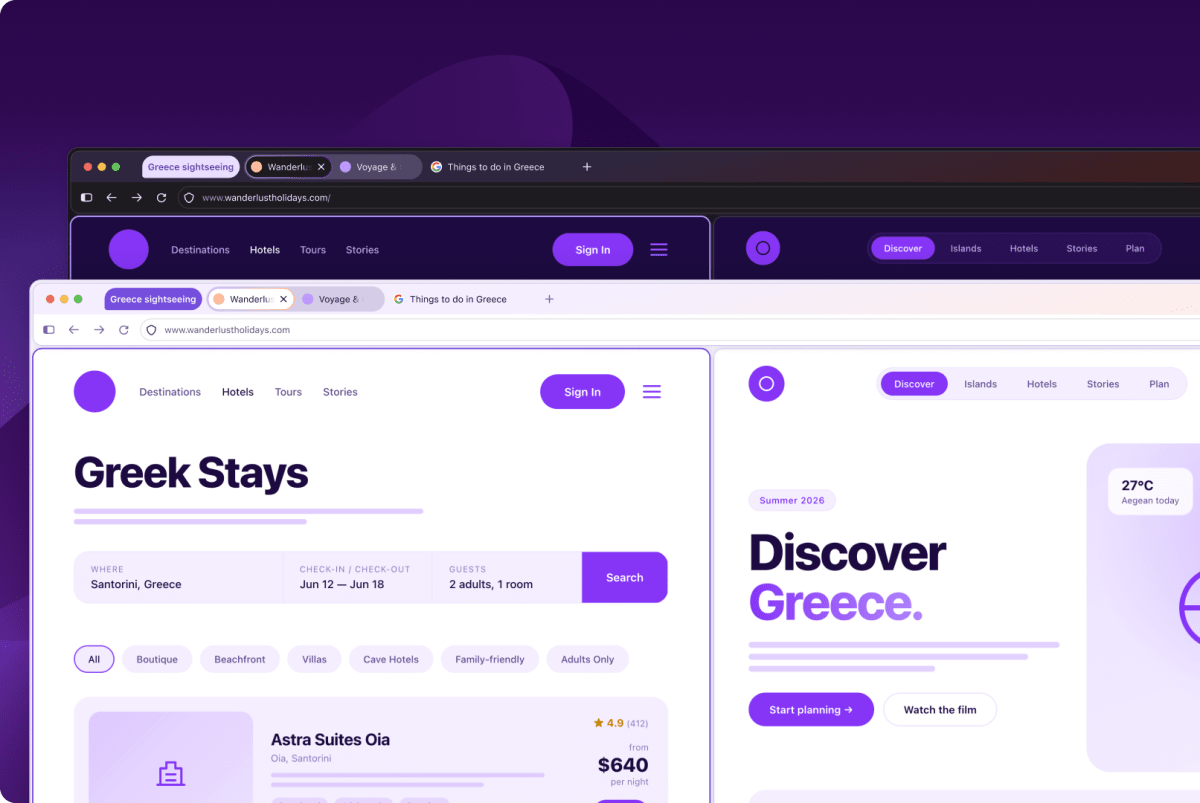
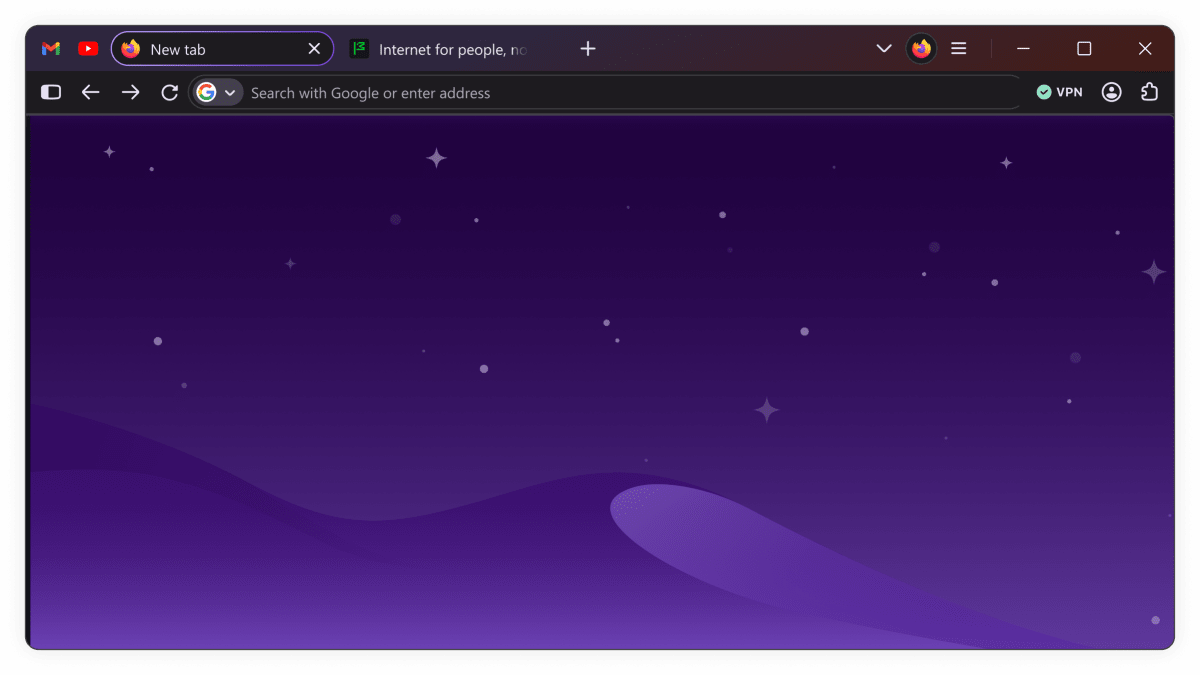
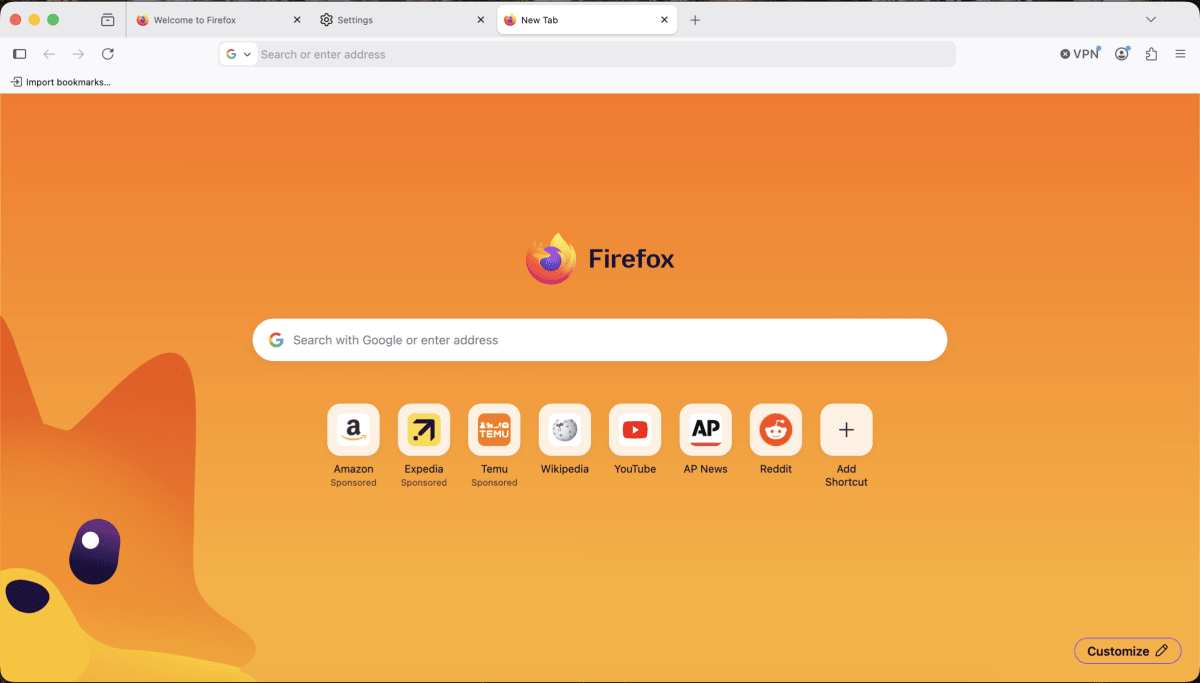
Mozilla just unveiled "Project Nova," a complete visual overhaul of Firefox coming later this year. The redesign features rounded tabs that look like bubbles, warm fire-inspired colors, and updated icons that look great whether you prefer light or dark mode.
But the real win here isn't just cosmetic. Mozilla is redesigning the entire Settings section to make privacy controls actually easy to find and use.
That includes a simple switch to turn off all AI features, present and future, in one click. If you do use any AI tools, Firefox now shows exactly which ones you've installed and how much space they take up on your computer.
Here's what makes this approach different: Firefox doesn't download AI features to your device unless you actively choose to use them. Compare that to some browsers that automatically download gigabytes of data without asking.
The redesign also brings back "compact mode," a feature fans have been requesting. This setting condenses browser controls like forward and backward buttons to give you more screen space for what matters: the websites you're visiting.
Tab groups, split view, and vertical tabs will all be easier to access too. Mozilla is even adding new wallpapers and color themes that apply to your entire browser window, with both light and dark options.
Why This Inspires
In an age when many tech companies bury privacy settings in endless menus, Mozilla is doing the opposite. They're putting control back in users' hands and making it obvious how to use those controls.
The company has always positioned Firefox as the privacy-focused alternative to bigger browsers. But wanting privacy and actually configuring it are two different things when settings are hard to find.
Project Nova removes that barrier. Whether you want complete control over AI features or just prefer a cleaner look, you won't need a tutorial to make it happen.
Mozilla also rolled out a new feature this week in Firefox 151: support for the Web Serial API. This lets websites control devices or deliver firmware updates without requiring separate downloads or installers, making web apps more powerful while keeping things simple.
The internet works better when users feel in control of their experience.
More Images

Based on reporting by The Verge
This story was written by BrightWire based on verified news reports.
Spread the positivity!
Share this good news with someone who needs it