Google's AI Now Does Your Spreadsheet Busywork for You
Google just launched AI features that automatically fill out documents, create charts, and organize data in Docs and Sheets, eliminating hours of tedious copying and formatting. The technology learns your personal style and pulls information from your files and the web to create first drafts in seconds.
If you've ever spent hours copying data between spreadsheets or reformatting documents to match a template, Google's newest AI update might feel like a gift from the productivity gods.
Google is rolling out AI features in Docs, Sheets, and Slides that handle the tedious busywork most of us dread. The technology can generate documents that match your writing style, automatically populate spreadsheet fields with data from the web, and create charts based on simple requests typed in plain English.
The system learns from your previous work to understand your preferences and organizational style. "It's not enough to simply generate a generic email or brief," says Yulie Kwon Kim, VP of product for Google Workspace. "People want AI to understand your specific context, delivering results that are deeply personalized to them and their organization."
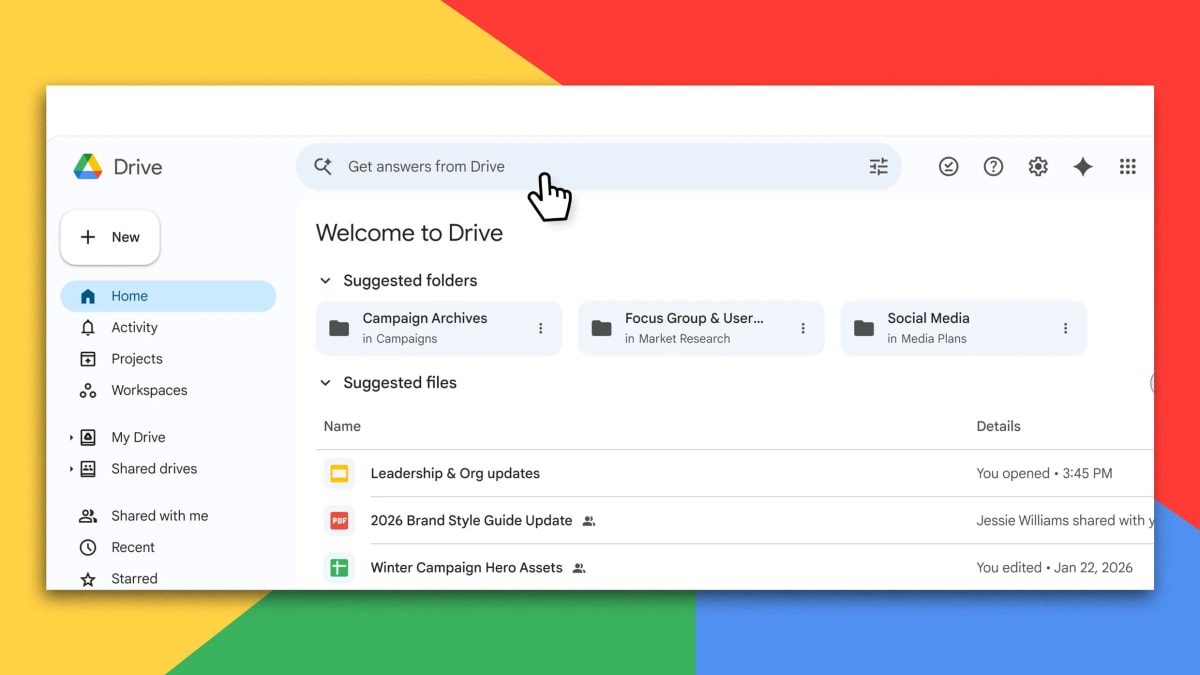
More than a third of Google Docs already start as copies of existing documents. Now, instead of manually copying and tweaking those templates, users can instruct the AI to mimic a layout or writing style while pulling content from other files on Google Drive.
The Sheets update transforms how people work with data. In a recent demo, Google's Eric Birnbaum showed the AI filtering through complex property data to find real estate matching specific criteria in certain neighborhoods, then automatically generating relevant bar and pie charts to visualize the results.
The AI even checks its own work like a human would, going back to fix any errors it spots. Users can drag and drop to trigger automated research that fills spreadsheet columns with information pulled from the web, like headquarters locations or revenue figures for major corporations.
The Ripple Effect
This technology represents a shift in how we think about AI at work. Rather than replacing human creativity and judgment, it's eliminating the repetitive tasks that drain our time and energy.
For small business owners juggling multiple roles, the time savings could be transformative. For teams in larger organizations, it means spending less time on data entry and more time on strategic thinking and creative problem solving.
The features also democratize skills that once required advanced technical knowledge. Creating complex spreadsheet formulas or perfectly formatted reports becomes accessible to anyone who can describe what they need in plain language.
Technology that gives people back their time to focus on meaningful work isn't just convenient—it's genuinely freeing.
Based on reporting by Fast Company - Innovation
This story was written by BrightWire based on verified news reports.
Spread the positivity!
Share this good news with someone who needs it