Hidden iPhone Feature Creates Perfect Kid-Safe Phone for Free
A buried iOS setting turns any iPhone into a safe, internet-free phone for kids without spending a dime. Apple's Assistive Access feature gives parents total control over apps and web access.
Parents searching for a safe first phone for their kids just discovered the answer's been hiding in their iPhone settings all along.
Jeremy White, a parent facing the common dilemma of giving his son a phone for safety without opening the floodgates to social media, found Apple's Assistive Access feature tucked away in the iOS Accessibility menu. The feature, designed for people with cognitive disabilities, transforms any iPhone into a perfectly controlled device for children.
The setup takes minutes. Parents navigate to Settings, tap Accessibility, scroll to the General section, and select Assistive Access. From there, they choose which apps to allow and which to block completely.
Unlike Apple's standard parental controls, this feature truly blocks internet browsing. When someone texts a child a link, it appears as plain text and won't open. The phone treats links as accidentally tapped buttons, preventing unexpected web navigation.
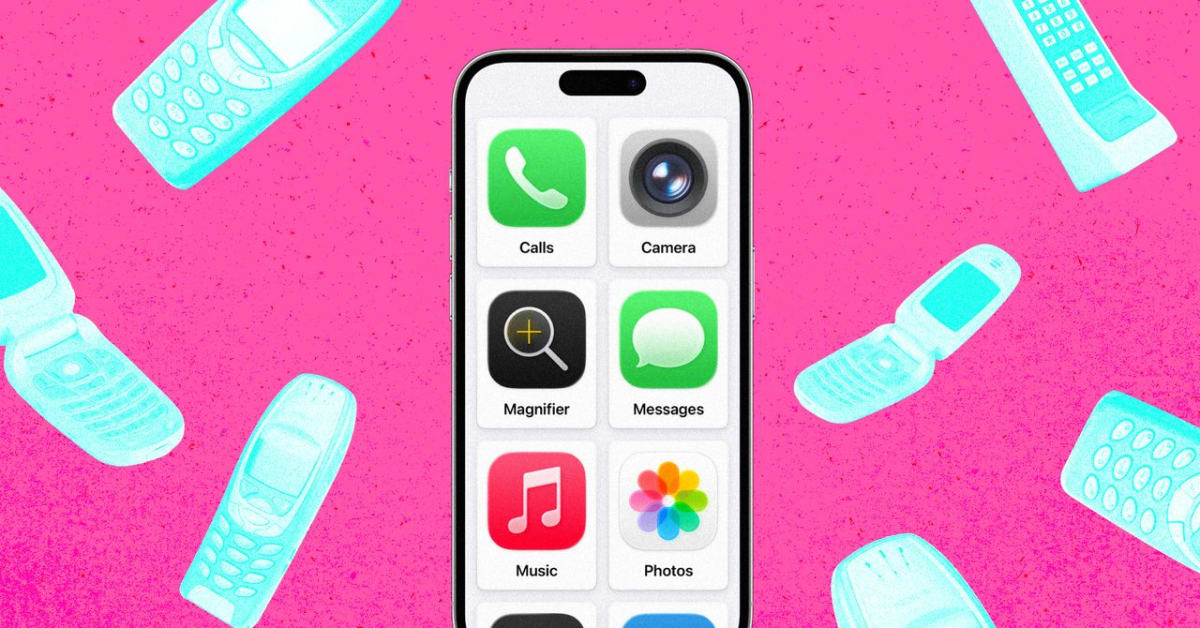
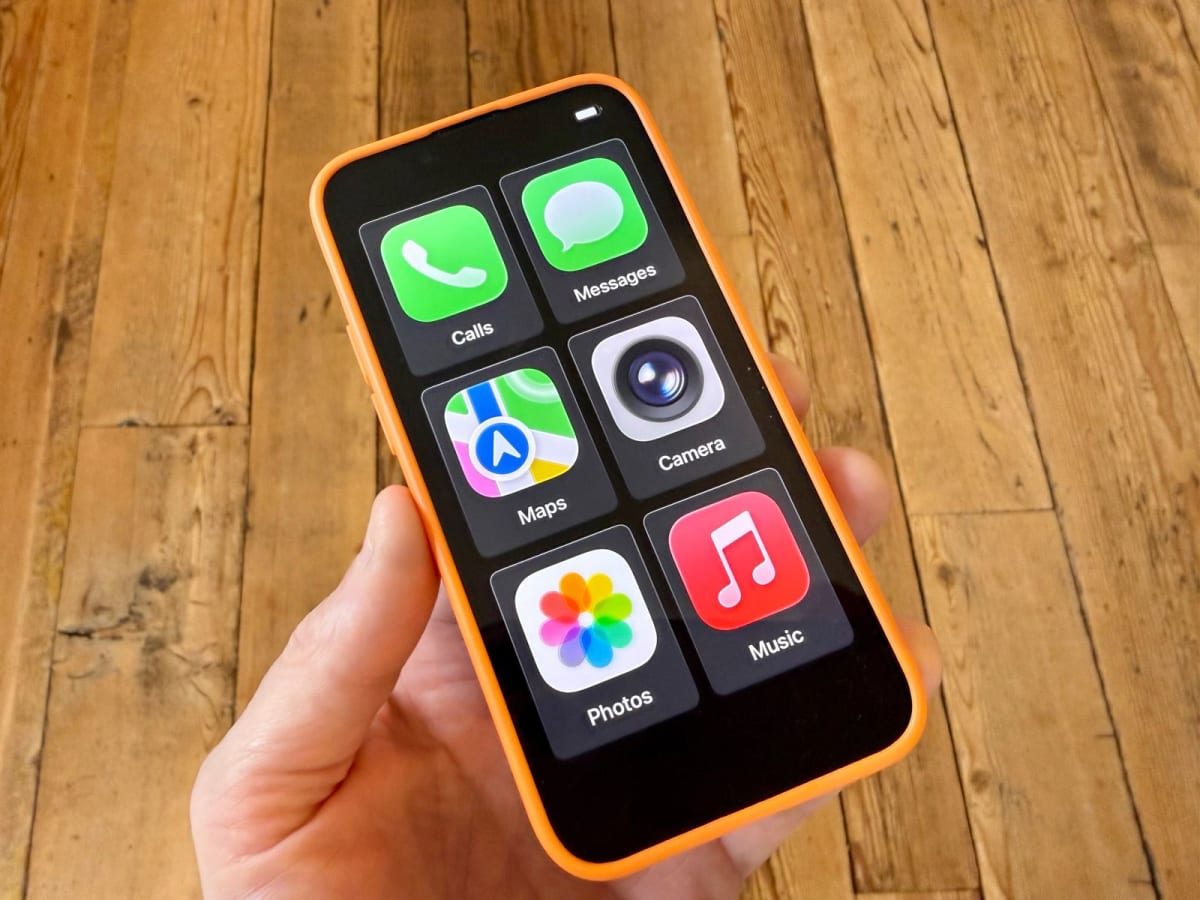
Parents select from a grid of large, friendly tiles showing only approved apps. White chose just six for his son: Calls, Messages, Maps, Camera for video calls, Photos, and Music. Navigation works for safety, but Safari and Chrome stay locked out entirely.
The Ripple Effect
The discovery matters beyond one family. Millions of parents face the same impossible choice between safety and smartphone access. Third-party apps charge monthly fees to restrict phone features, but this free solution already exists on every iPhone running iOS 17 or later.
Parents control every detail. They decide who children can contact, whether the mute switch works, how notifications appear, and which music playlists play. A four-digit passcode lets adults switch between the simplified interface and normal iPhone mode.
The feature even allows internet-dependent apps like Maps while blocking web browsers completely. For parents whose children need navigation to get home safely, this solves the puzzle of connectivity without risk.
White turned an unused iPhone 13 from his drawer into what he calls "the best six-app dumb phone money hasn't bought." At a time when parents spend hundreds on limited devices or monthly subscriptions for parental controls, this free solution delivers exactly what families need.
The broader impact reaches schools and communities grappling with smartphone policies and children's screen time. This accessible solution puts control back in parents' hands without sacrificing the safety benefits modern phones provide.
More Images



Based on reporting by Wired
This story was written by BrightWire based on verified news reports.
Spread the positivity!
Share this good news with someone who needs it