LG Stops Monitor Spam After Windows Users Speak Up
When LG monitors started secretly installing apps that pushed unwanted ads to Windows users, the internet pushed back hard. Now, after customer outcry and Microsoft's intervention, LG has agreed to disable the spam for good.
Sometimes the best tech news is when a company actually listens and fixes a problem they created.
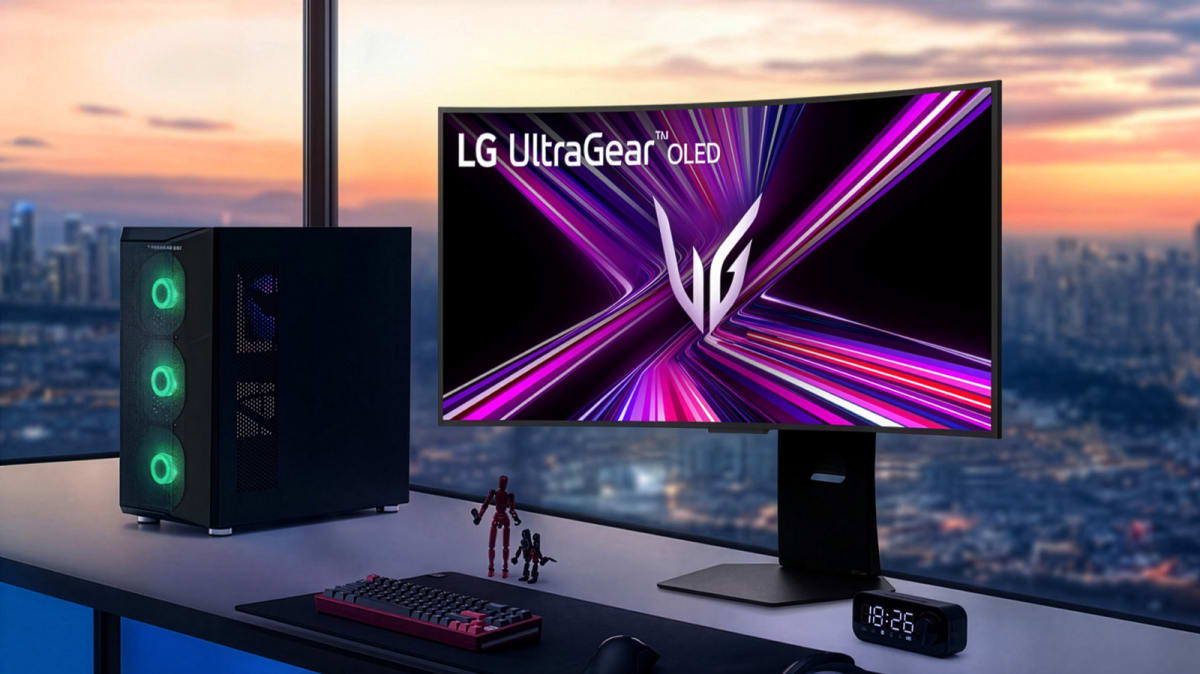
LG monitors were quietly installing an app called "LG Monitor App Installer" onto Windows 11 computers without asking permission. The app then bombarded users with pop-up ads for McAfee antivirus software and other products, turning their desktops into unwanted billboards.
Windows users noticed the issue after an automatic update patch last week. The problem affected newer monitors and even some models dating back to 2024.
Tech reviewers and everyday users didn't stay quiet. When popular YouTube channel Gamers Nexus highlighted a $1,200 LG monitor with this issue, customers flooded LG's website with complaints. The monitor's rating dropped to just one star, and LG eventually discounted it by nearly half.
Microsoft took notice. Windows Chief Pavan Davuluri reached out to LG directly, and the two companies worked together to find a solution.
The Bright Side
LG has now agreed to disable the McAfee pop-ups from their app completely. Davuluri thanked LG in a post on X, saying the company is "working with us toward a shared goal of a better experience for our mutual customers."
This win shows that customer voices still matter in tech. When users speak up about unfair practices, and when companies like Microsoft use their influence to advocate for better experiences, real change can happen.
LG initially tried to defend the practice, claiming the installer came through Microsoft's official distribution process and that it never installed software without consent. But that explanation didn't address why the LG app itself was installed without permission in the first place.
The quick turnaround from complaint to solution took less than a week. That's remarkably fast in the world of corporate tech responses, where problems often linger for months.
If you own an LG monitor and want to remove the app, the fix is simple. Head to Settings, then Apps and Installed Apps, search for "LG Monitor App Installer," and uninstall it.
This story proves that holding companies accountable works, especially when customers and industry leaders team up for better experiences.
More Images


Based on reporting by Engadget
This story was written by BrightWire based on verified news reports.
Spread the positivity!
Share this good news with someone who needs it